Master your multi-task with Touchless Technology
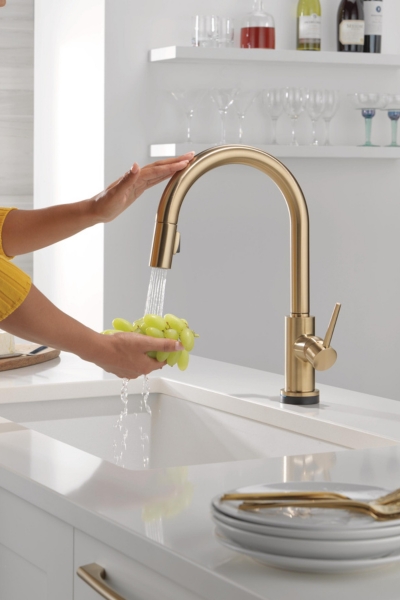
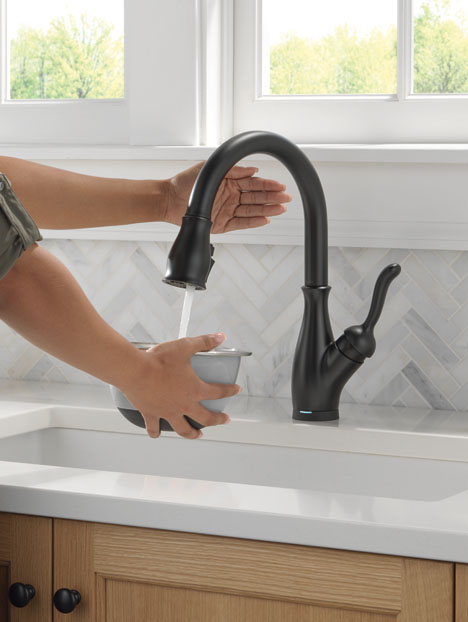
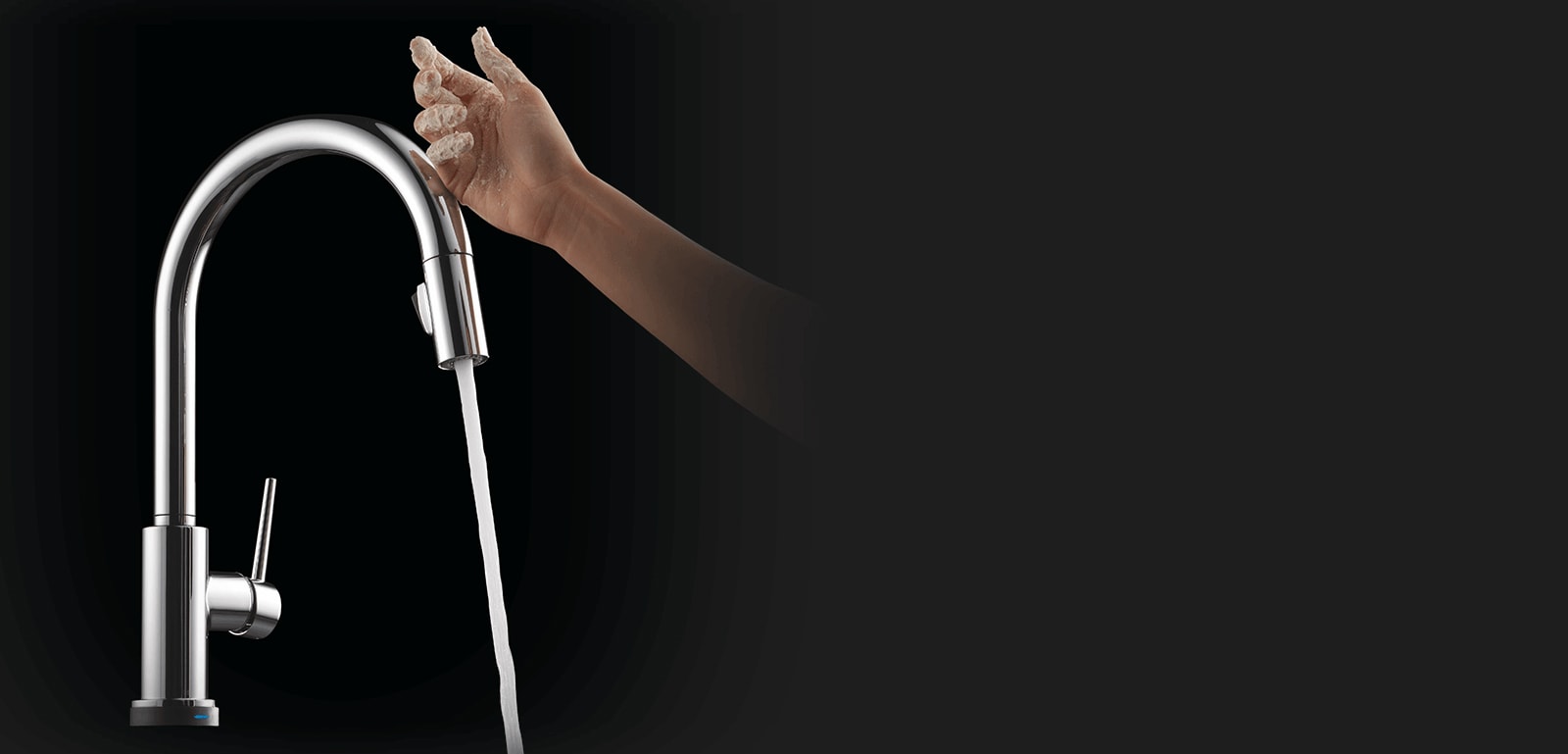
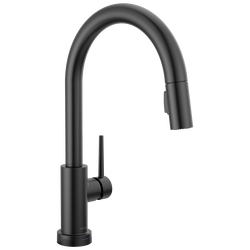
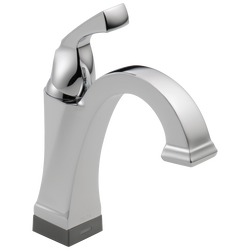
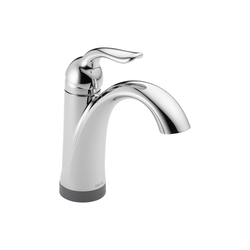
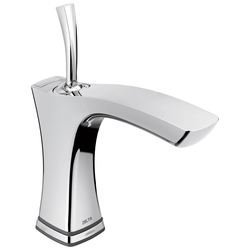
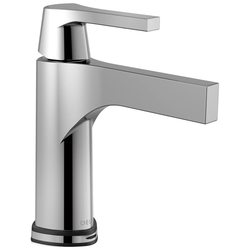
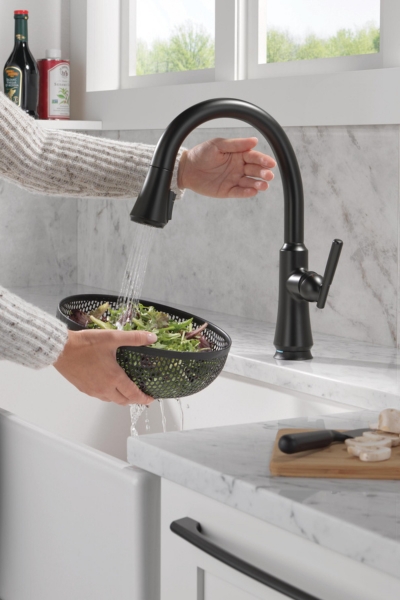
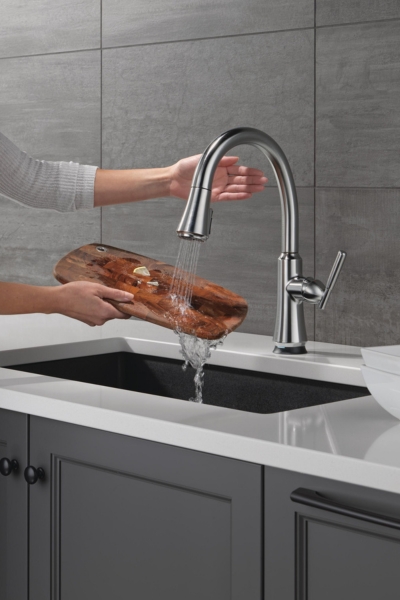
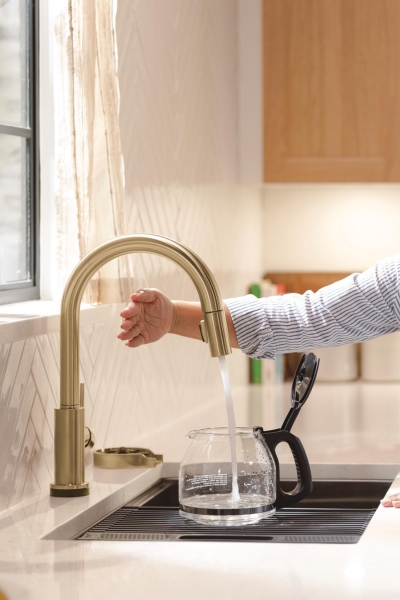
Life moves fast, Touchless Technology keeps up. Delta® Touch2O® with Touchless™ faucets help keep germs and mess off your kitchen faucet and provides easy water control 3 ways: simply place your hand near the faucet, tap the faucet surface, or use standard handle activation.
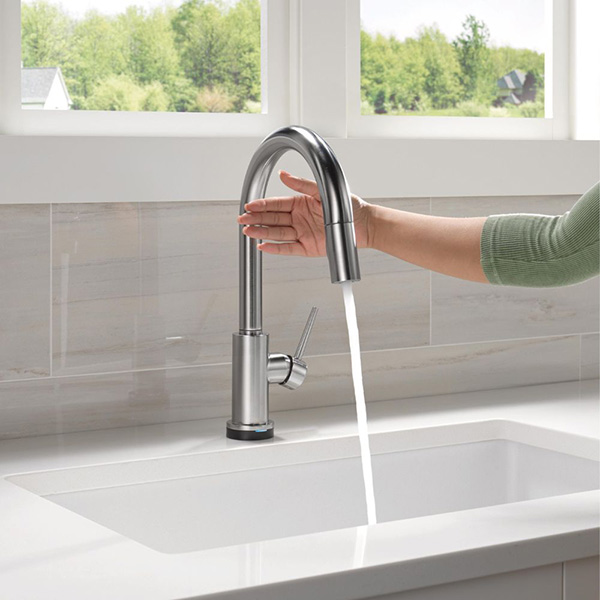
4-inch capacitive sensing field
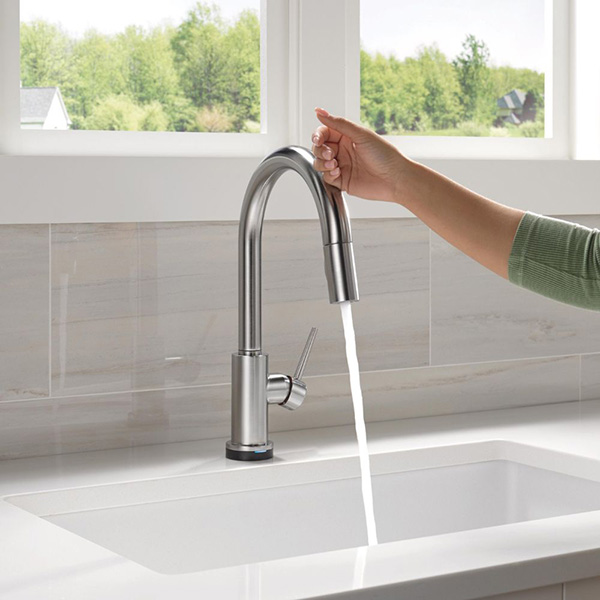
Helps prevent the spread of dirt and messes
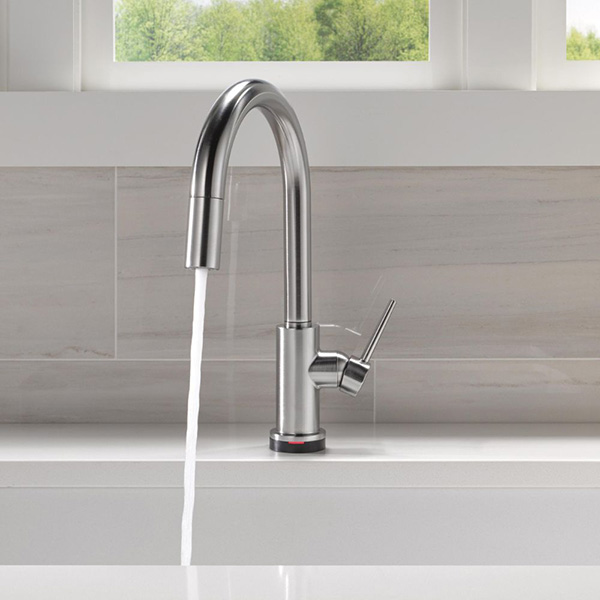
TempSense Technology color indicator shows water temperature
* Handle must be in ON position to enable touch and hands-free operation.

Your Faucet, Your Way
Not your average public bathroom faucet, Touchless Technology uses capacitive sensing, instead of infrared motion-activation, to recognize human presence within 4 inches of the surface. Experience your faucet, your way, with the convenience and control of Touch2O® faucets with Touchless Technology.
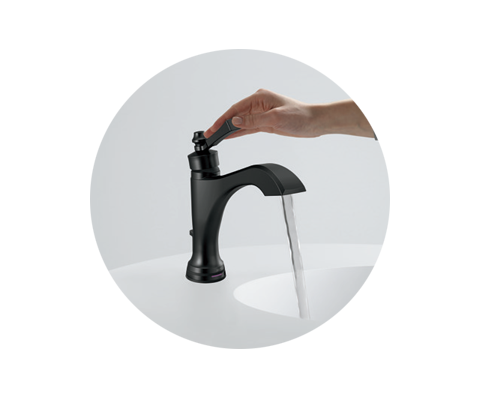
Manually
Turn it On.
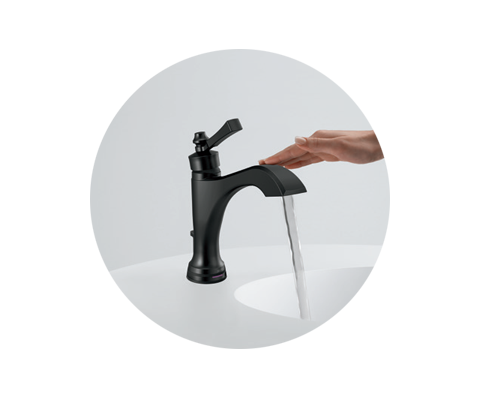
Touch it on.*
Touch it off.
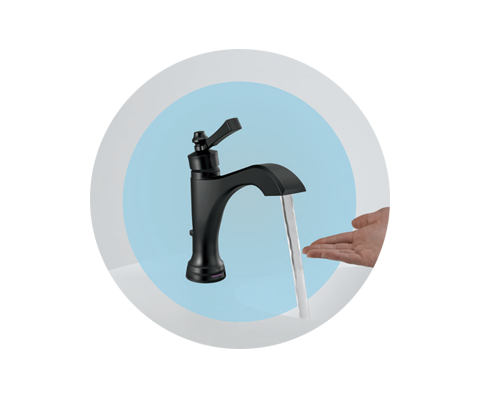
Or Hands-Free.*
* Handle must be in ON position to enable touch and hands-free operation.
Frequently Asked Questions
How do I turn the faucet off and on?
Does the faucet need to be plugged in to an outlet?
Will I need an electrician or plumber to install a faucet with Touchless?
If the faucet is left running or activated by my child or pet, will it stop automatically?
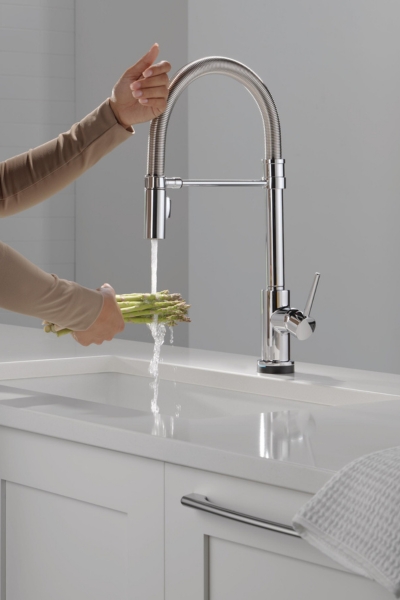
How does the hands-free activation work?
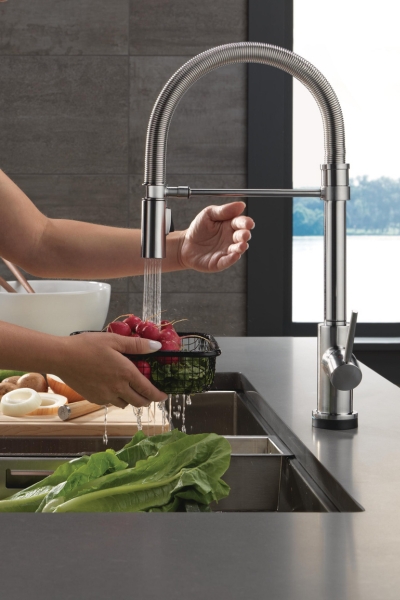
What are the different modes?